Cochrane, T., Bateman, R., Cliffin, P., Gardner, J., Henderson, I., & Holloway, S. (2009, 6th to 8th July). Mobilizing Learning: Mobile Web 2.0 Scenarios in Tertiary Education. Paper presented at the EDULEARN09 the International Conference on Education and New Learning Technologies, Barcelona, Spain.
An interesting article from the Google Mobile development team!:
Designing SMS apps for mobile Africa: "As is well known, our mission is to organize the world's information and make it universally accessible and useful. We aim to do this through technology, and in Africa, that means developing tools for the mobile phone. Africa has the world’s highest mobile growth rate. Mobile phone penetration is six times Internet penetration -- one third of the population owns a mobile phone and many more have access to one. Most of these devices only have voice and SMS capabilities, which is why we have chosen to focus our initial mobile efforts on SMS.
Today, we are releasing Google SMS in Uganda. Google SMS is a suite of mobile applications which provides access, via SMS, to information on a diverse number of topics including health and agriculture tips, news, local weather, sports, and more.
The suite also includes Google Trader, a marketplace application that helps buyers and sellers find each other. Users can find, 'sell' or 'buy' any type of product or service, from used cars and mobile phones to crops, livestock and jobs. Google Trader has been designed to help make markets more transparent. Many people in Africa lack access to information and markets beyond their immediate business and social networks. Google Trader allows sellers to post items for sale via SMS, and for buyers to search for such items.
Google SMS Tips is an SMS-based query-and-answer service. After you text a free-form query, Google algorithms restructure the query to identify keywords, search a database to identify relevant answers, and return the most relevant answer. SMS is a very limited medium: each SMS can be no longer than 160 characters, and, unlike the web, allows for one result to be returned in response to a query. Short or ambiguous queries are particularly challenging. For example: we've received queries as brief as 'hiv'. What exactly is someone asking for: symptoms? Causes? Prevention? Treatment? We not only have to discern intent in order to identify a relevant answer, but we also have to convey information back to the user within the confines of SMS. The challenge is further complicated by the fact that people must pay for each individual SMS message.
These are the sorts of technical challenges that have surfaced in developing SMS Tips, so please don't view it as a finished product. We need to greatly improve search quality and add to the content that we have in the Health and Ag focus areas. Now that Google SMS is live, we're working on improving search quality and the breadth, and depth, of content. As for Tips, we will work to add more focus areas.
Clearly, we're just beginning; there's still much to be done. If you're curious about what Google is doing in Africa, visit the Google Africa Blog. And here's a video about the broader effort initiated by the Grameen Foundation to introduce mobile applications to under-served communities.
The projects are guided and supported by weekly “technology sessions” (Communities of Practice, or COP) facilitated by a ‘technology steward’ (Wenger et al., 2005) investigating the potential of mobile web 2.0 technologies for integration within each course. The COPs are a collaborative partnership between the researcher (as the 'technology steward'), the course lecturers, and their students. The mlearning projects prior to 2009 had comprised small groups of students from select courses that volunteered to participate in the projects, while the breadth of funding secured for the 2009 projects enabled all students in each course to voluntarily participate if they chose. All participants (both lecturers and students) are provided with either (and in some cases both) an appropriate smartphone or 3G enabled netbook for the duration of their courses in 2009.
The following sections outline three illustrative mobile web 2.0 case studies:
A collaborative sustainable house design project between a third year Product Design course and a second year Landscape Design course. The Ning (http://www.ning.com) social network is used to facilitate collaboration between the two different courses (http://designprojects.ning.com). * Product Design students using Nokia N95 smartphones and folding Bluetooth keyboards to capture and share design ideas and reflections on design via the use of an online blog/eportfolio. * Landscape Design students using 3G enabled netbooks to facilitate the development of a collaborative design process via Ning forums, and online media sharing sites such as Flickr (http://www.flickr.com) and YouTube (http://www.youtube.com).
Contemporary Music students using iPhones as tools to record and share environmental sounds from a variety of off-campus contexts, as well as creating online profiles on Vox (http://www.vox.com ) and MySpace (http://www.myspace.com), evaluating the use of new technologies for music generation, sharing, marketing, and distribution.
Read more and view videos etc... on our WIKI page:
Here's a snap poll of a class of students, quickly capturing what technology they bring to class. How are we as educators harnessing the potential of this technology that our students have ion their pockets?
Video recorded on an N95 smartphone via QIK live video streaming to the Internet:
Teachers are always trying to combat student apathy and University of Texas at Dallas History Professor, Monica Rankin, has found an interesting way to do it using Twitter in the classroom.
Today we started the netbook project with the second year Diploma of Landscape Design students and staff. All students and staff were issued a Dell Mini9 netbook for use in their course for the rest of the year. the netbooks will be used as 'windows' into the online web 2.0 world - students will be blogging, uploading and sharing photos and VODCasts of their designs and learning experiences.
This project follows on from a collaborative web 2.0 project between Landscape Design and third year Product Design students on the SHac09 sustainable house competition, where NING was used as a collaborative online space.
Our Community Of Practice with Performing Arts Tutors is focusing on the educational potential of mobile web 2.0 technologies. In particular the Tutors have appropriated VODCasting, using QIK live video streaming from a smartphone to record video reflections and notes to their students.
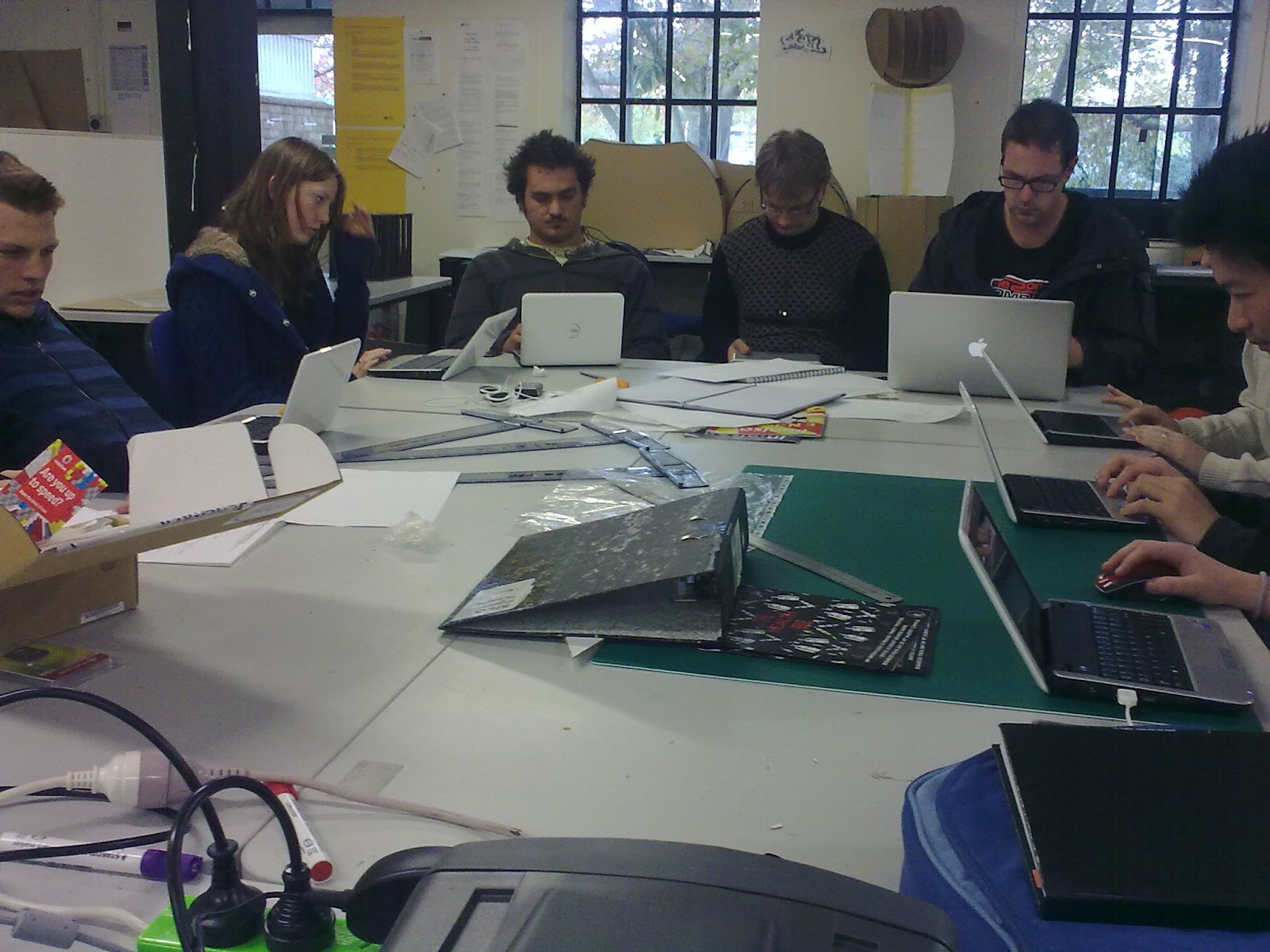
We've just started the first netbook roll-out project with the first year Product Design students, and we're getting great feedback from them already - embedding some video feedback below (recorded using their netbook webcams and uploaded to their blogs):
Wordpress finally brings email blogging to facilitate simple mobile blogging - a feature that every other blogging patform has had for years! There are limitations: - image attachments will be viewable in email posts, however audio and video attachments will only work if the video and audio extensions are purchased off Wordpress :-( Hey Wordpress - this is free on every other blog system!
Click the following linkfor more details and a video overview:
Today we started the first of several netbook implementation projects (as part of a wider mlearning project) at Unitec. The first year Product Design class all received Dell Mini9 netbooks to use for their course for the rest of the year. A Moodle course is being used to guide the educational use of the netbooks, as we explore their use within a web2, social constructivist paradigm, to enhance their learning experience, and bridge the 'digital divide'!
A nice NZ Hearld artivle outlining the history of the NZ Cellphone networks, on the eve of Telecoms new network launch - and Vodafones attempt to block it.
While there's still quite a few apps still to be ported to the S60 v5 for the Xpressmusic 5800, here's a list of my favourite applications for the Nokia Xpressmusic 5800 smartphone, plus links for downloading these (where needed).
Messaging - the built-in app for Email and Txt, and my preferred way of mobile blogging.
Share Online3 - built-in app accessible via the 'media bar' shortcut 'button' top of the screen. I've setup direct links to OVI, Pixelpipe, Flickr, Vox.
Google Mobile app - http://m.google.com linking to the Google mobile suite (Calendar, Reader, YouTube, Search...
Fring - For instant messaging, Twitter, GMail notification, Skype


 "
"

 Teachers are always trying to combat student apathy and University of Texas at Dallas History Professor, Monica Rankin, has found an interesting way to do it using Twitter in the classroom.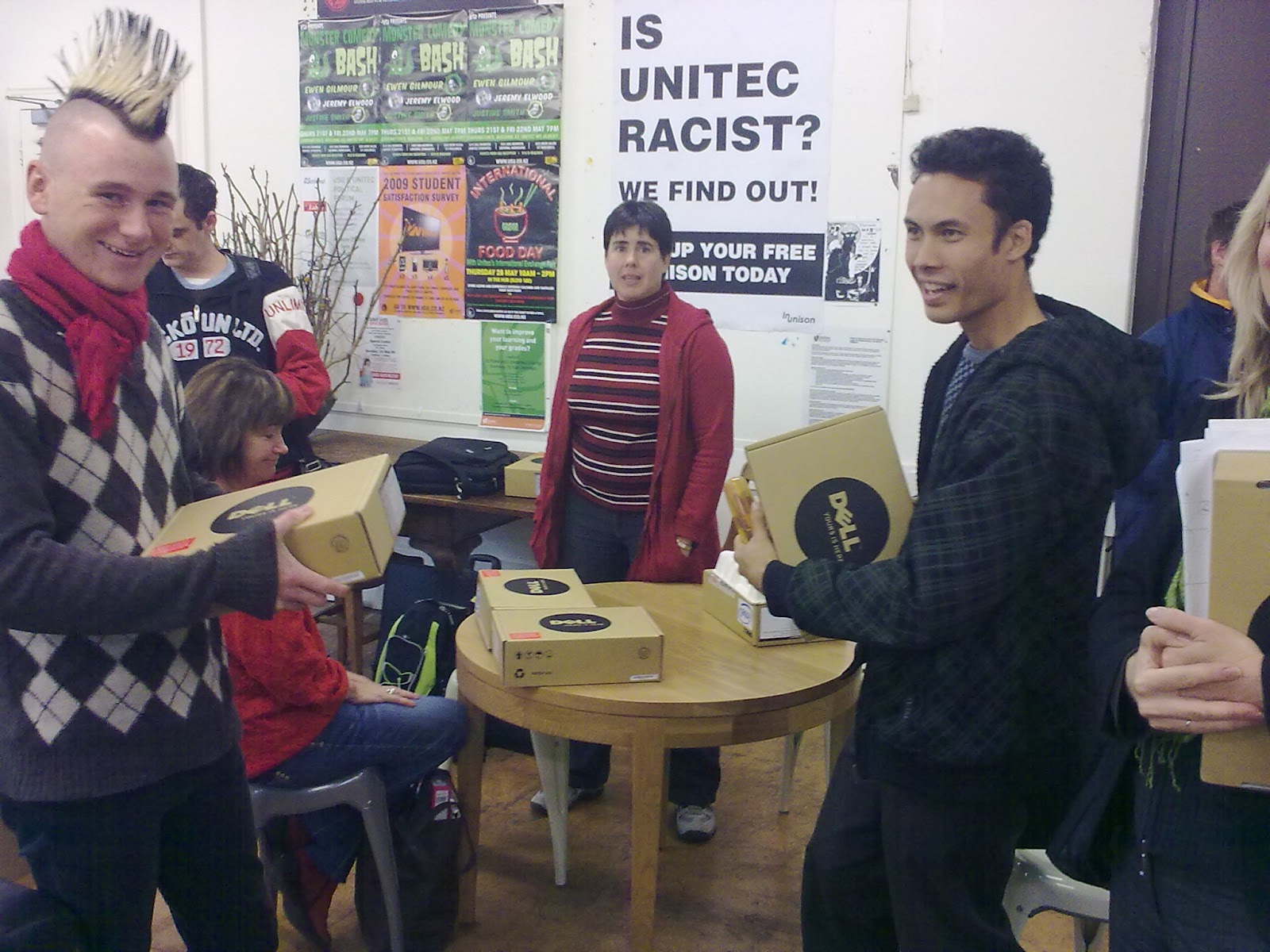




 Posts
Posts

